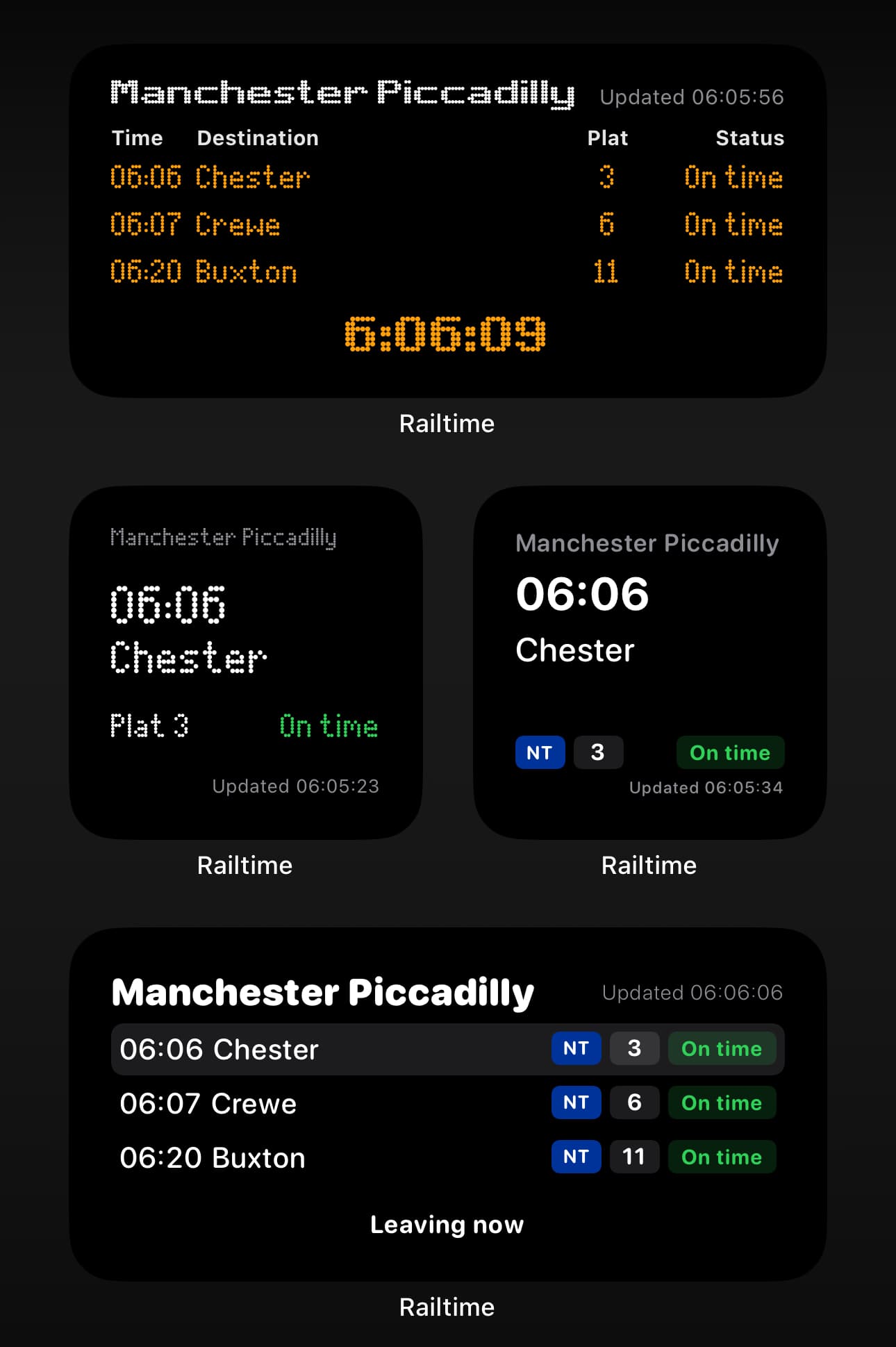
Departure board
Departures, refined.
The Railtime departure board shows services from your station with a modern touch. Every delay, platform, and operator available in a single glance.
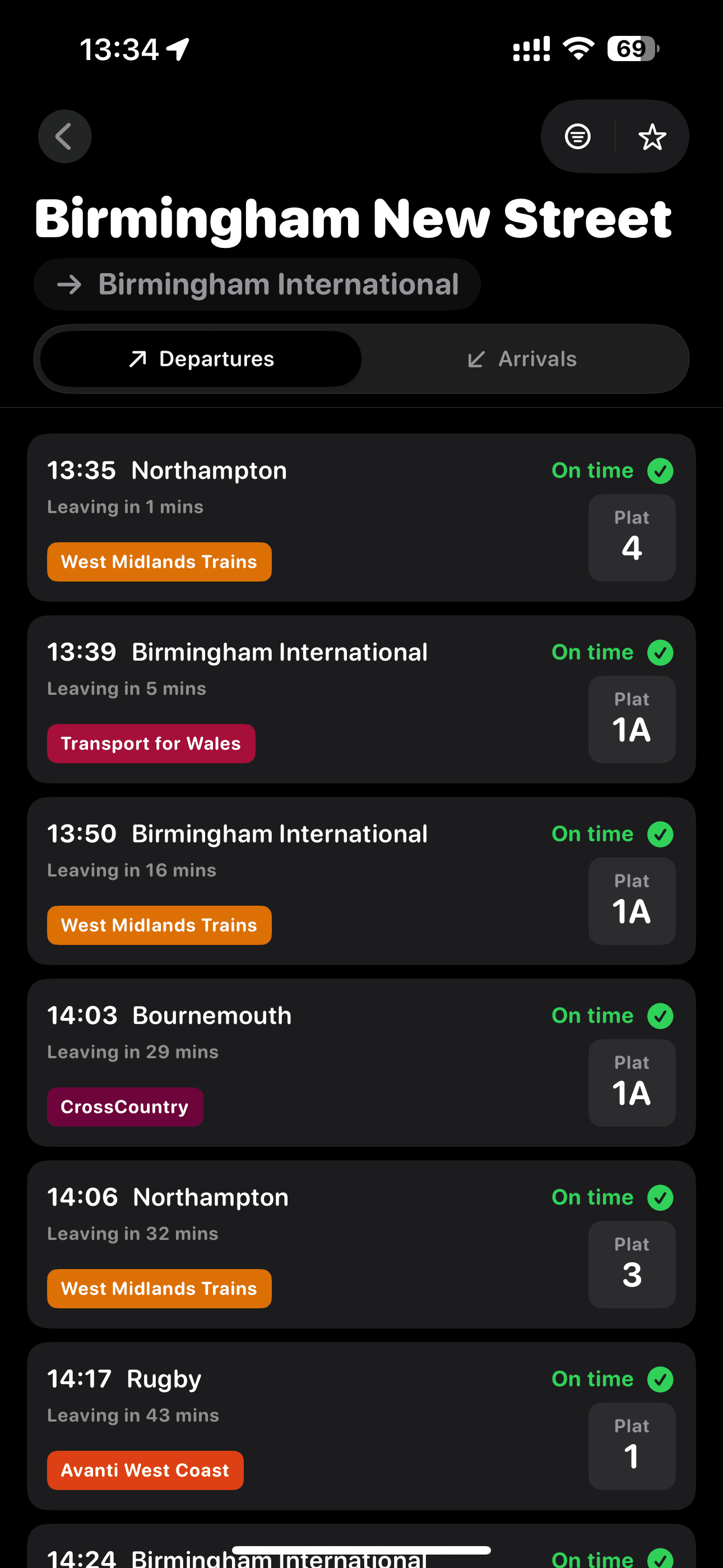
Widget ready
Your commute, glowing right on the home screen.
Keep the next trains visible without opening the app. Choose the LED matrix theme for the classic departure board look.
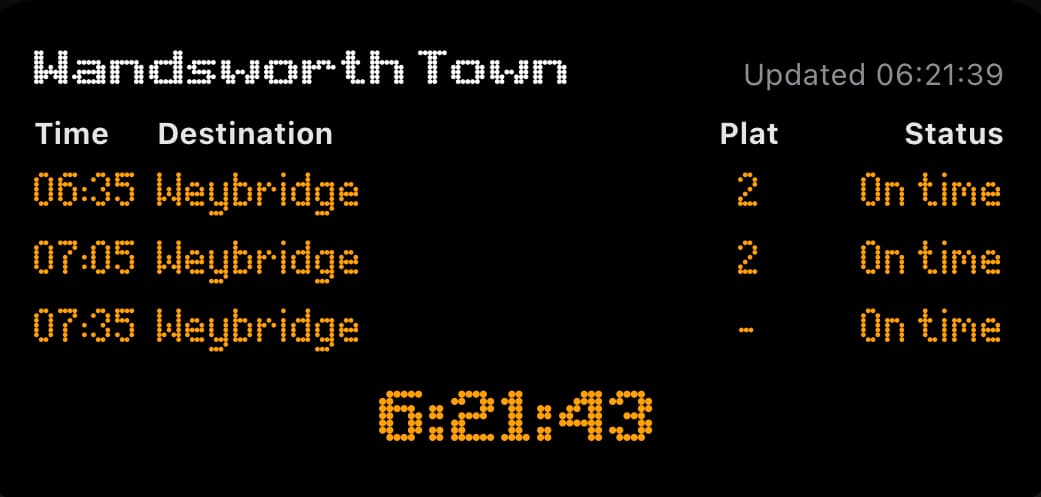
Siri + Shortcuts
Get train times faster.
Use Apple integrations to jump straight into departures, hands-free or with one tap.
- Ask Siri for the latest train departures from your favourite stations.
- Use Shortcuts and App Intents for automation.
- Map a shortcut to the Action Button to open your departure board instantly.
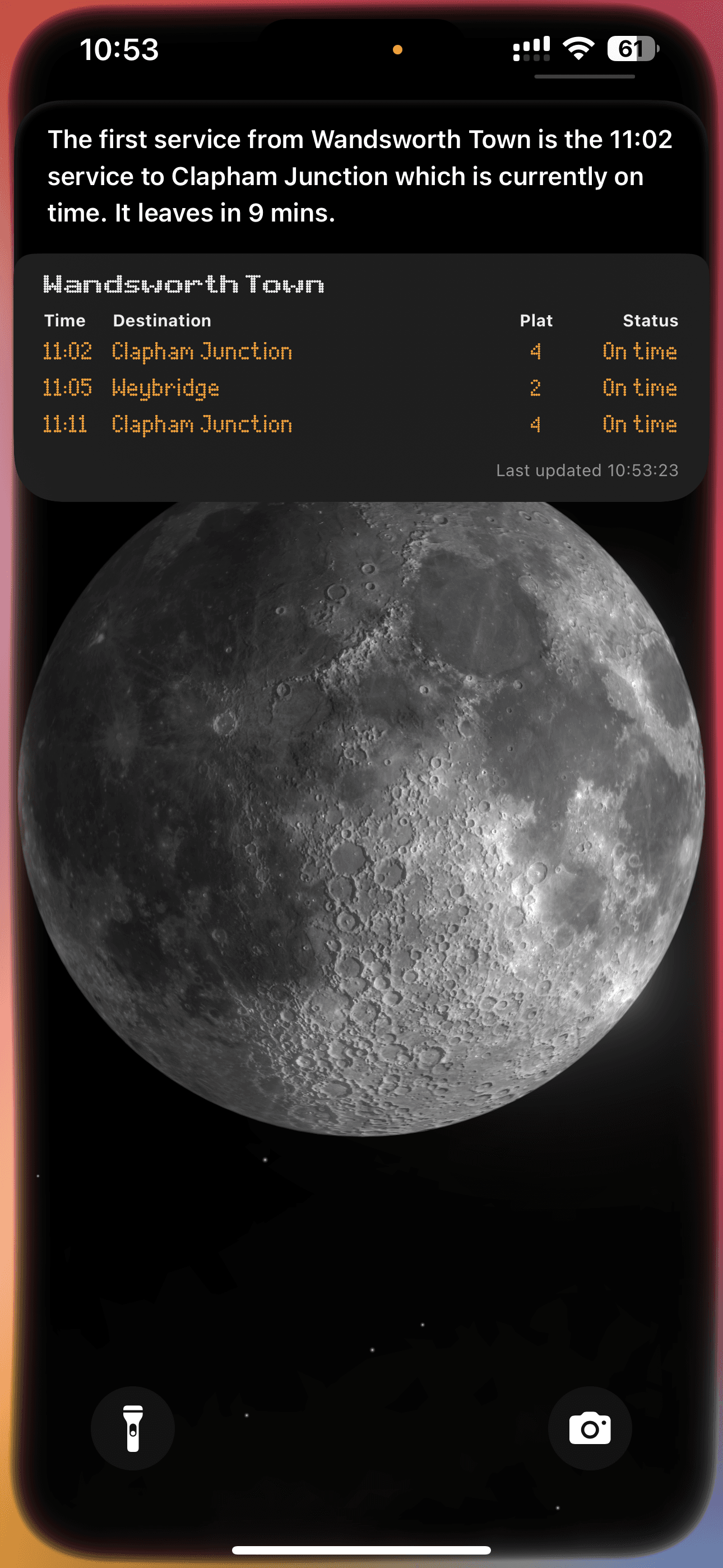
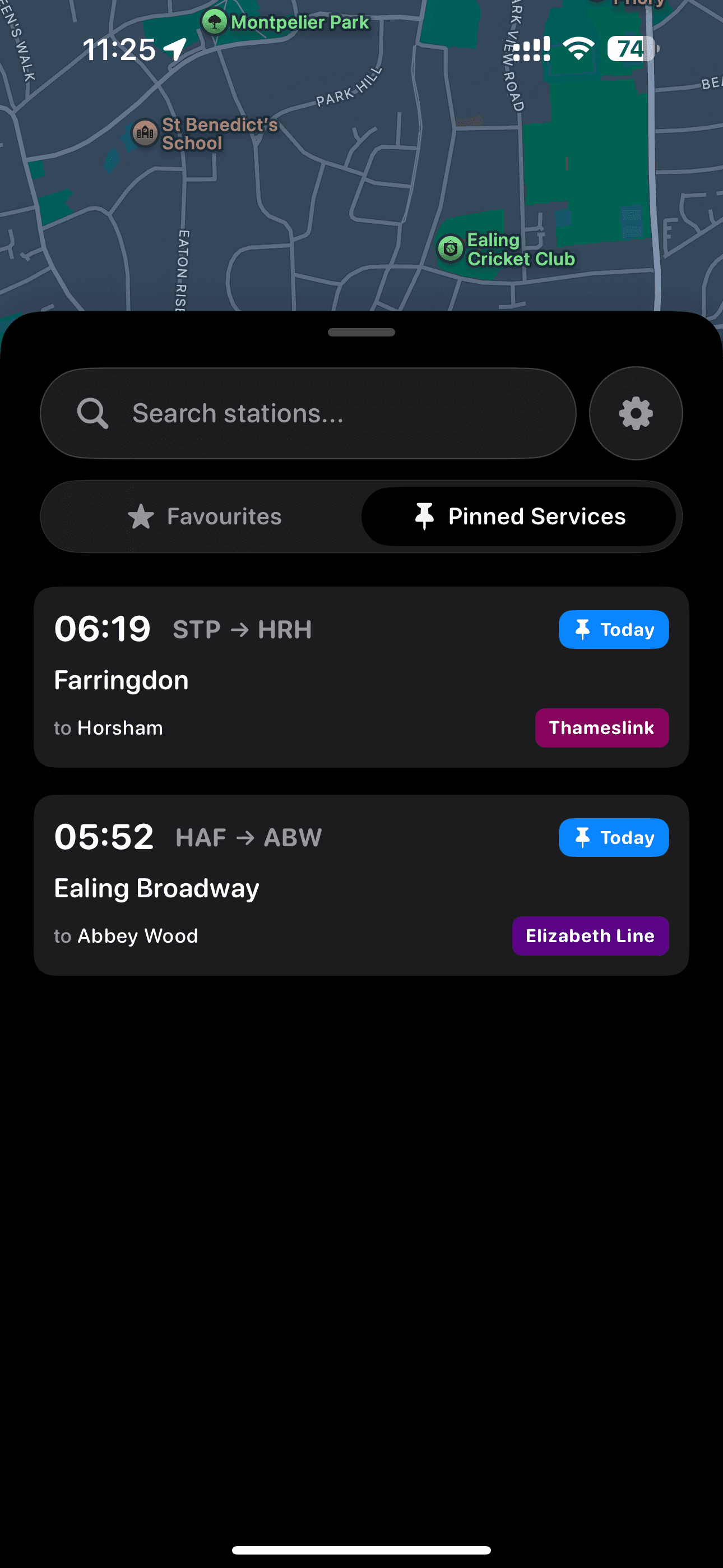
Pinned services
Pin the trains you’re interested in.
Keep today’s departures easy to find. Pinned services stay at the top for quick access; open a service to track its location and check platform changes and delays.
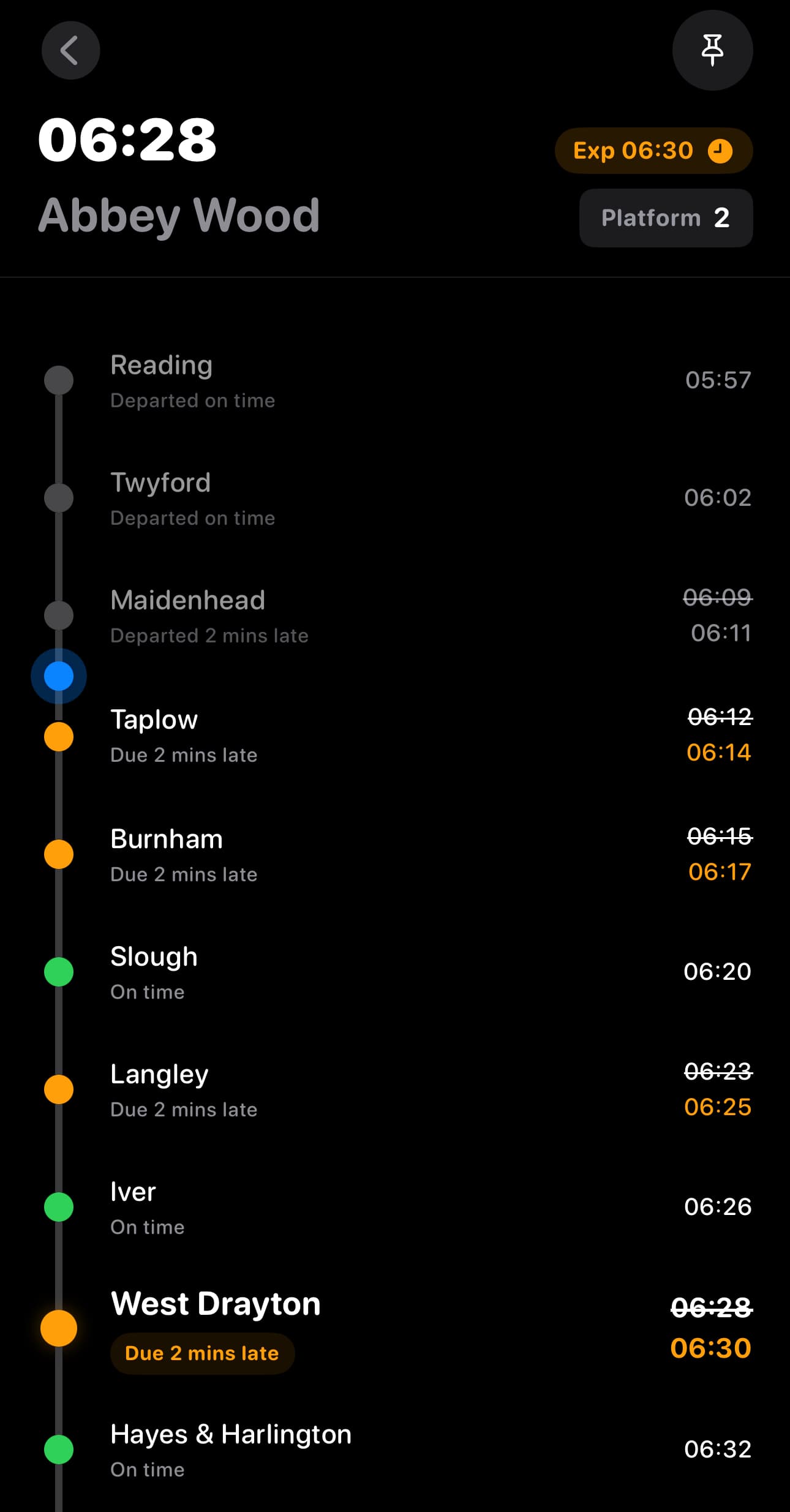
Train tracking
See every stop, and where your train is now.
Open a service to view its live location, upcoming stops, and progress on the line. Stay confident about every change and connection.
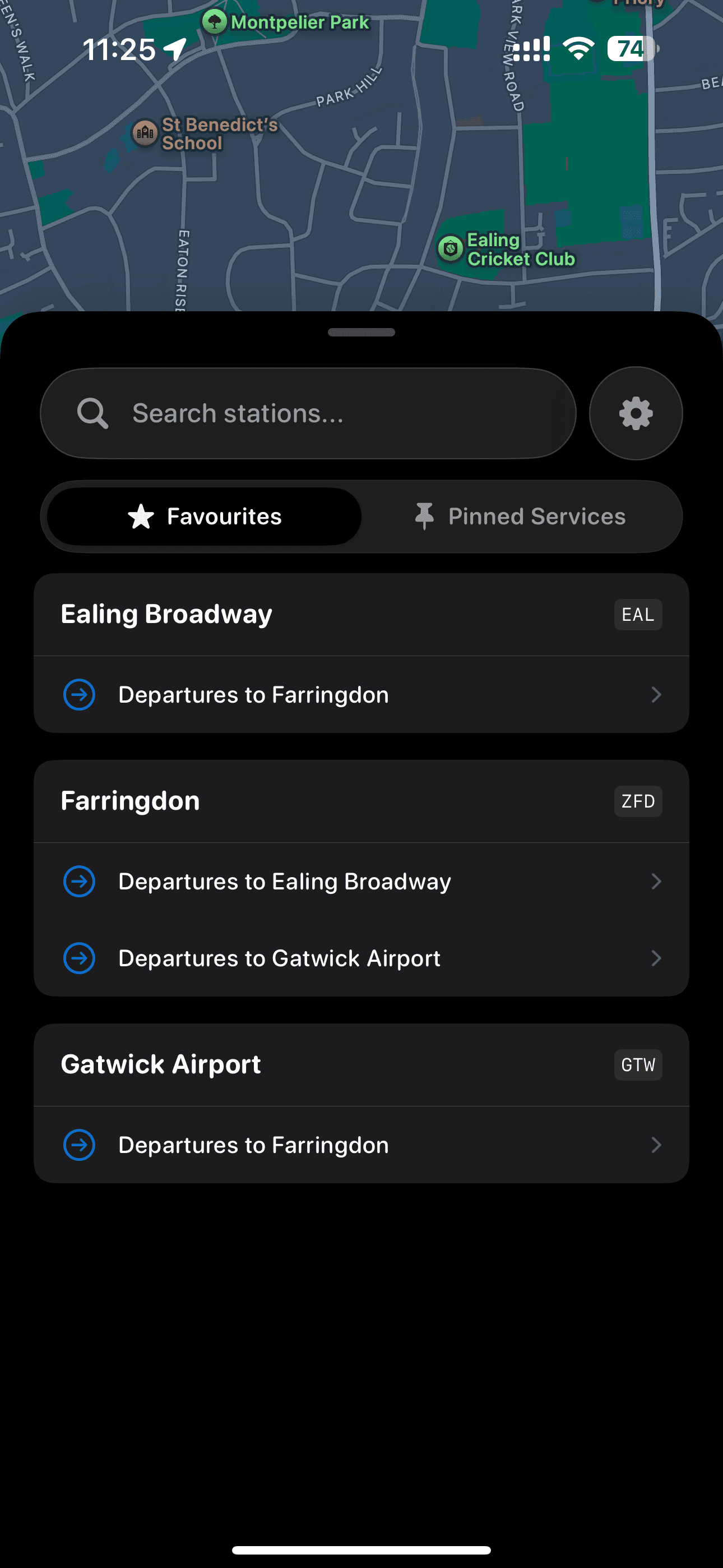
Favourite stations
Your go-to stops, saved and ready.
Save stations once and jump straight into departures. Railtime keeps your favourites close, so your commute is one tap away.
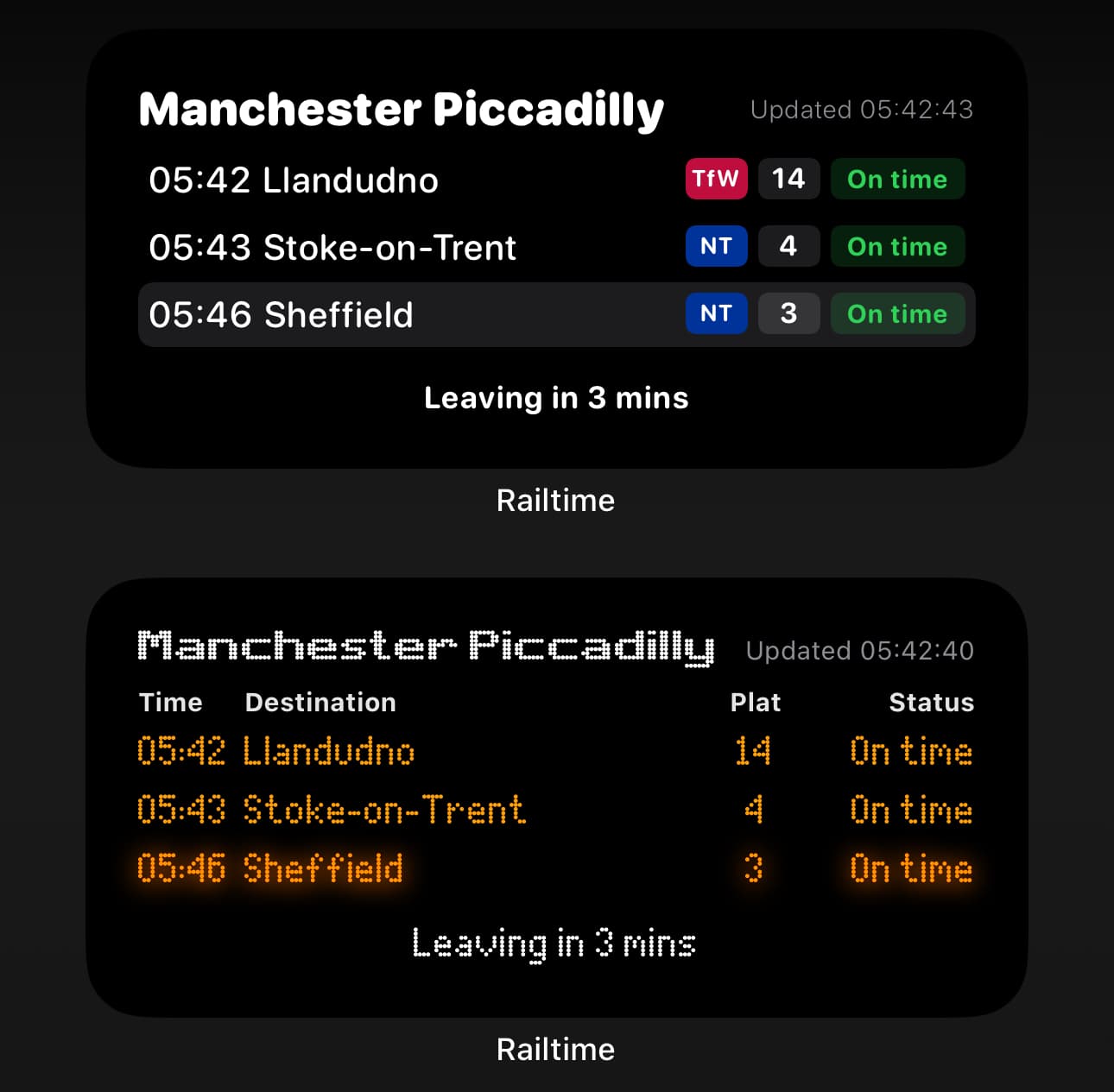
Widget themes
Match the board to your mood.
Switch between LED-inspired themes and softer tones. Widgets adapt to your home screen, day or night.
Widget styles
Small, medium, interactive, or clock.
Choose the widget size and style that fits your screen. Switch between compact glances or a richer, interactive board.